The Client
The client is the lab. Kaba Console is a desktop app that puts a browser, a terminal, a file explorer and a model harness in one window, on your hardware. Because it sees your work across all of them, it can remember what matters and learn from it, and every observation stays local and encrypted at rest.
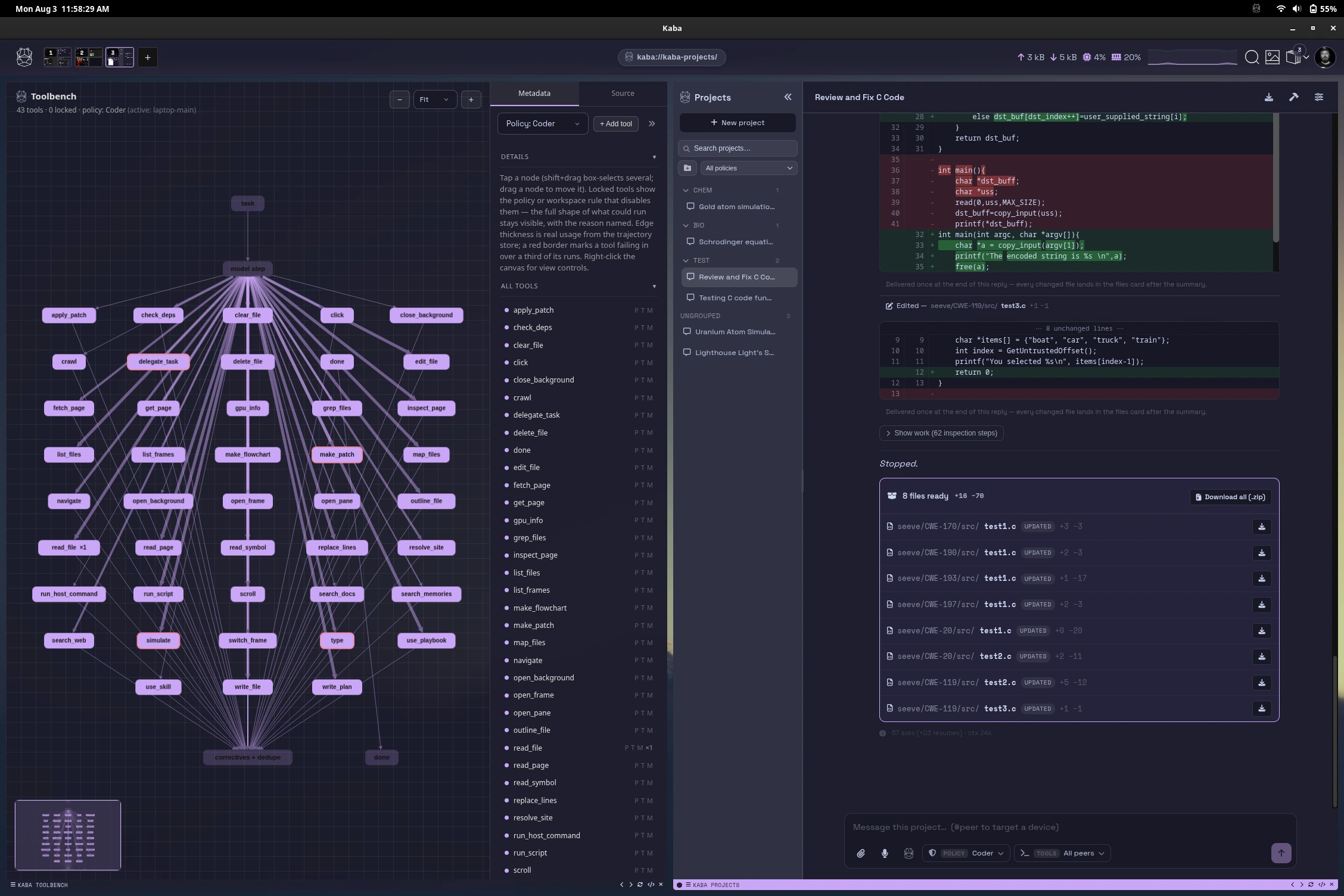
Models and memory are one part of Kaba, and every bit of it can be switched off. What stays is a private, peer-to-peer browser with features built for people who live in their tools.
For what Kaba is and why it is built this way, read What is Kaba? and Why Kaba?. This page is the map of the client itself.
The workspace
Section titled “The workspace”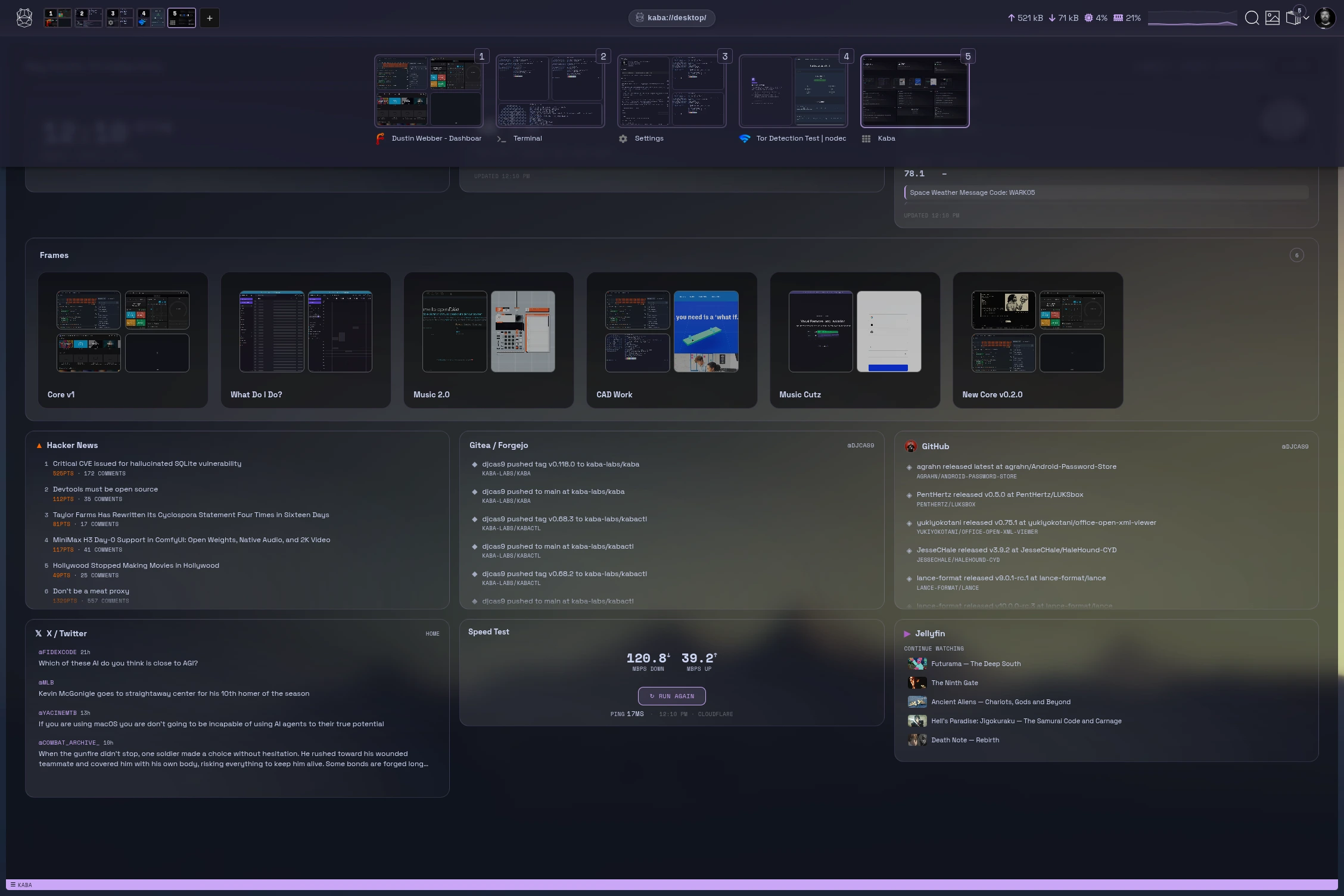
| UI layout | The Kaba header, frames, panes and the surfaces that appear on demand. |
| Tiling windows | Split, move, resize and balance panes by keyboard or mouse. |
| Omnibar | Address bar, search and command palette in one. |
| Kaba bar | The bar at the top: performance, search, downloads, audio, frames, your avatar, and the site panel for per-site privacy switches. |
| Desktop | A widget dashboard for new frames. |
| Keyboard shortcuts | Every default, and how to change them. |
The apps
Section titled “The apps”| Terminal | A real shell in a pane, on this machine or any peer. |
| File explorer | Browse and preview files here or on a peer, with a synced folder. |
| Hippocampus | Your memories, saved frames, history, automations and discovery. |
| Projects & tool loop | Work with a model that can use tools, inside limits you set. |
| Settings | Every page explained. |
A private browser
Section titled “A private browser”Your browsing stays on your device. No ad model, nothing sold.
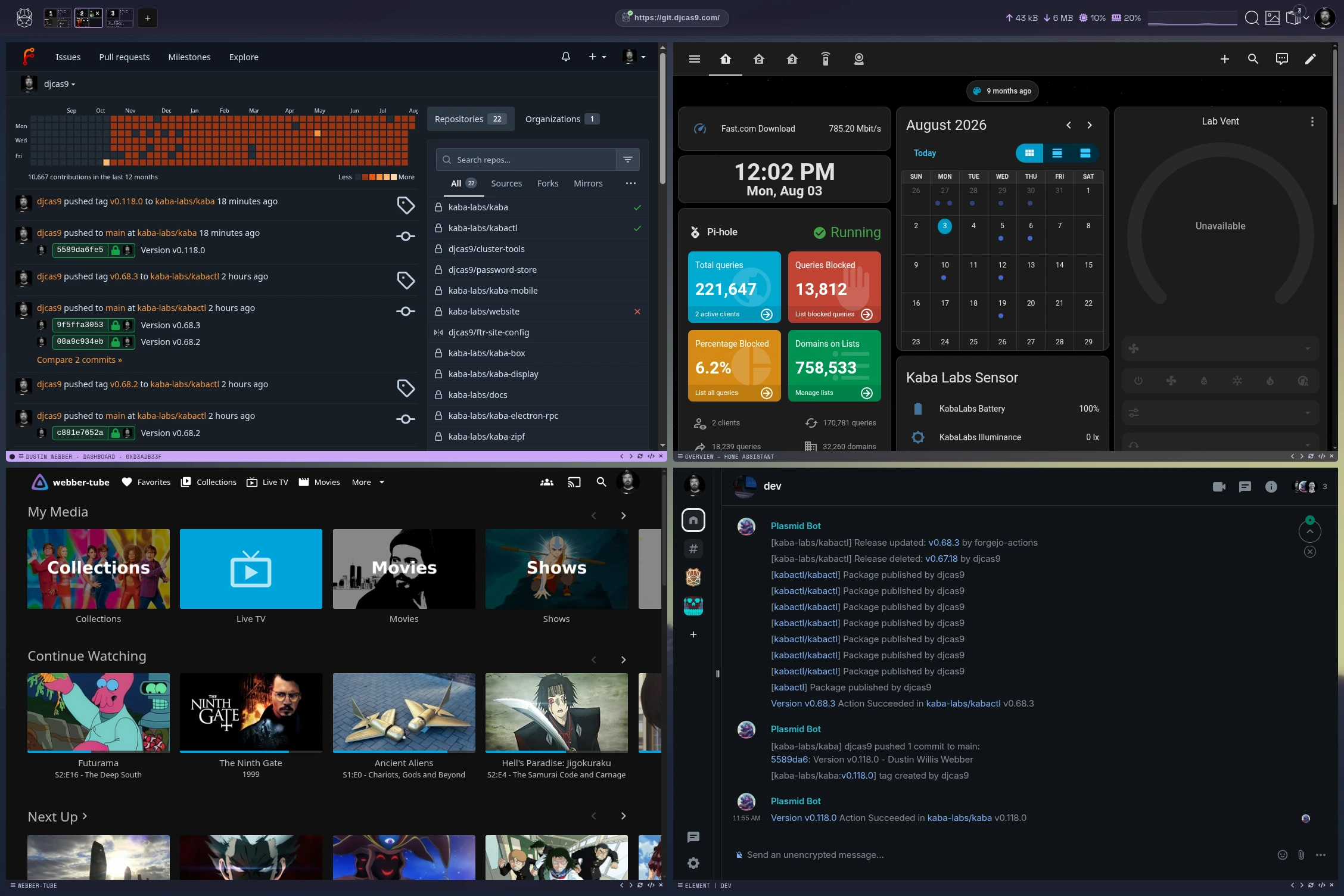
| Privacy layer | Third-party cookies, fingerprinting, trackers and insecure connections handled by default. |
| Ghost Mode and Tor, per pane | Open any pane over Tor or in Ghost Mode, right beside your everyday frames. |
| Passwords and passkeys | A local encrypted vault, or your existing pass or 1Password. |
| Web apps | What the web platform supports and how apps live in frames. |
The lab
Section titled “The lab”| Machine learning | Policies, models, adapters and training. |
| Memory | How memories are made, searched and curated. |
| Models & training from the CLI | The same, scripted. |
Your devices as one
Section titled “Your devices as one”In Kaba Personal these are devices you own and join yourself. A fleet-managed device is enrolled and controlled centrally; see what fleet control changes.
| Cluster & mesh | Join devices and use any of them from any other. |
| Accounts | Your local account, locking, and importing from another browser. |
Under the client
Section titled “Under the client”The client starts and talks to kabactl, the engine that stores your data, runs models and connects your devices. For how the two fit together, see diagrams & stack and internals.